Overview

An AI-powered meal planner driven by what's already in your fridge

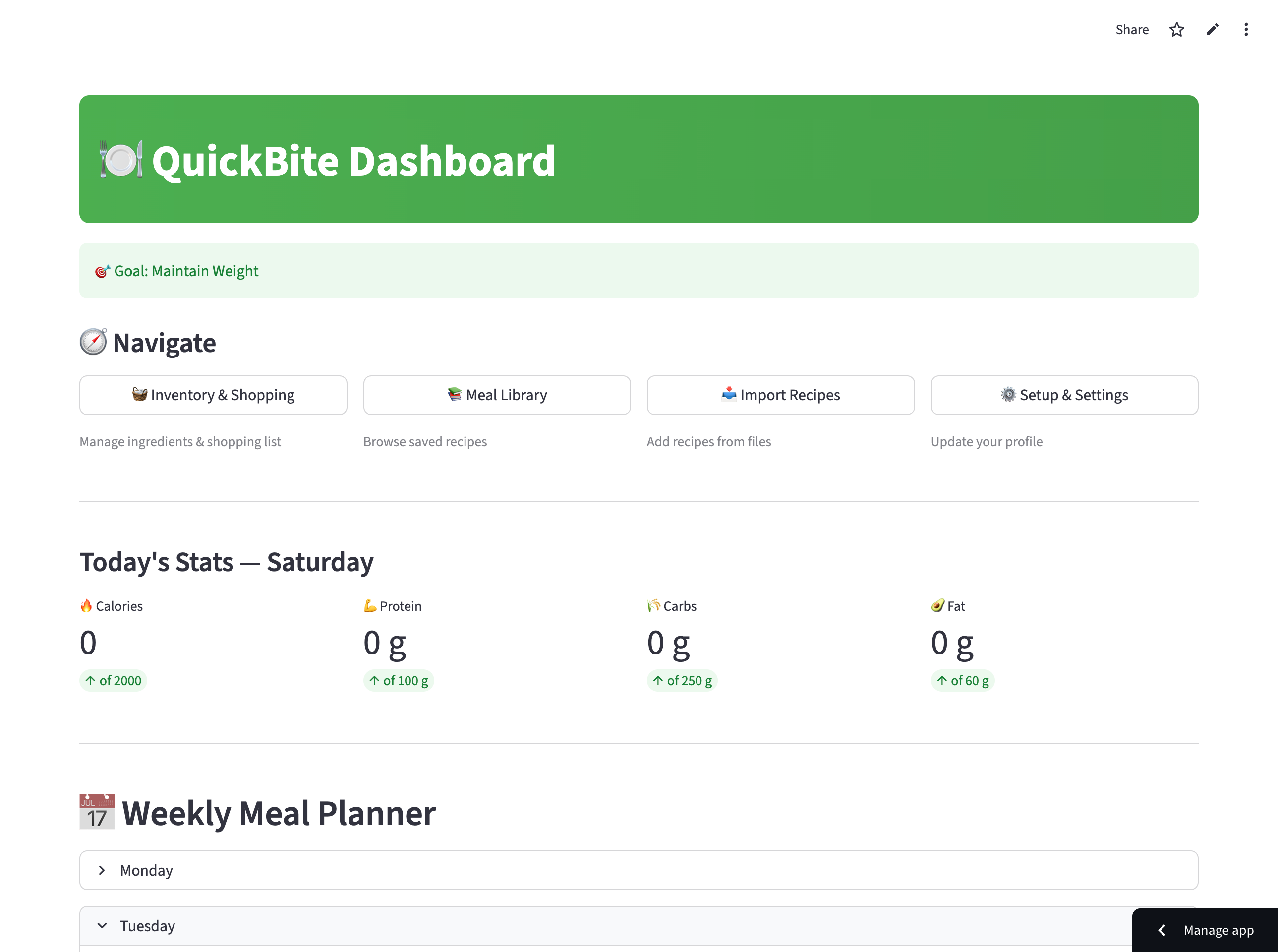
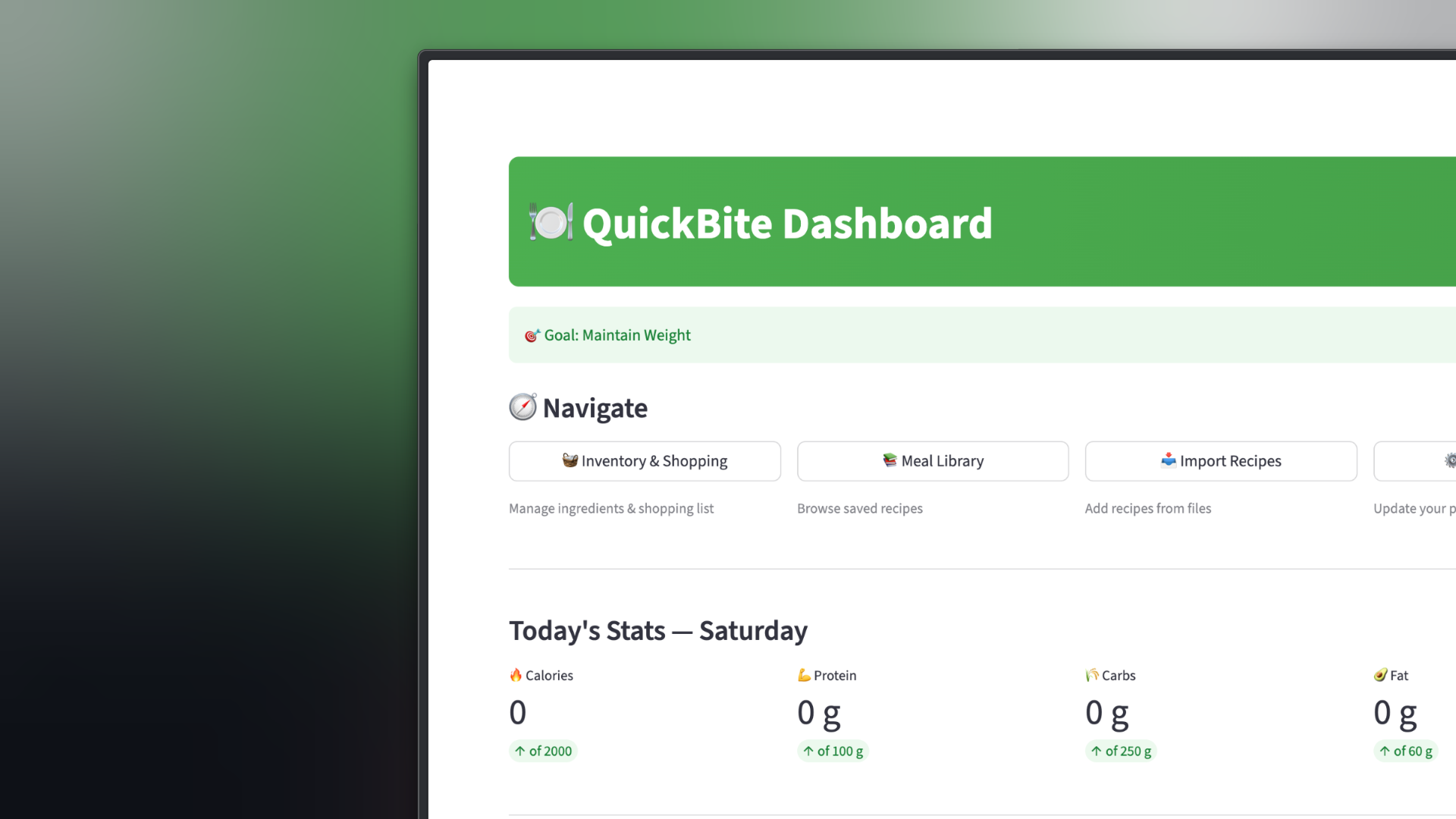
QuickBite is an AI-powered meal planner driven by what's already in your fridge — inventory, nutrition targets, and tailored menus in one workspace.

Tech Stack

Streamlit (Frontend/UI)
Python (JSON-based State Management)
Anthropic Claude AI (Reasoning Engine)
USDA FoodData Central JSON (Nutrient Estimation)
Local JSON Persistence
01 — Problem Statement

Three pain points block consistent, nutritious meals

Many individuals—specifically students, time-strapped workers, and health-conscious professionals—struggle to plan and prepare consistent, nutritious meals due to significant time and energy constraints. This daily burden surfaces in several key user pain points:

Time Inefficiency

Manually planning menus and tracking ingredients takes hours out of a busy week.

Food Waste

Users routinely forget what ingredients are sitting in the back of their fridge, leading to wasted food and unnecessary grocery overspending.

Nutritional Loss

Keeping precise counts of daily calories, proteins, carbohydrates, and fats is highly tedious, causing users to abandon long-term fitness or health goals.

02 — Project Goals

From surface-level prompts to a full-stack product

As both the designer and developer, my goal was to move past surface-level AI prompts and build a full-stack product that handles complex data logically while maintaining a highly scannable, frictionless user experience:

Goal 01

Inventory-Driven Recipes

Automatically deliver easy-to-cook recipes customized precisely around what the user already has in stock.

Goal 02

Data-Driven Targets

Provide users with the ability to set specific nutrition limitations (e.g., fitness milestones or calorie restrictions) and track their real historical data.

Goal 03

Cohesive Workspace UX

Bridge the gap between conversational AI and data dashboards, ensuring both features complement each other in real-time.

03 — Design Process & Product Evolution

Three builds shaped by testing and user feedback

Building QuickBite required an iterative journey where I coupled “vibe coding” UI creation with backend structured logic, refining the application across three major builds based on technical testing and user feedback.

Phase 01 — Build 1

Architecture & Prompt Constraints

Strict prompt rules ended repetitive, context-blind bot loops.

Action: I initiated the product by constructing a GitHub repository and establishing a live API link to Google AI Studio.

Design Rationale: I needed to understand the core data structure of an AI assistant from the ground up before mapping out dense UI frameworks.

Testing & Iteration: Initial tests revealed that the Streamlit interface frequently caused the bot to repeat identical questions during conversations, ruining the natural pacing.

Pivot

I modified the prompt engineering rules, implementing strict behavioral constraints in the system prompt to enforce clean, linear, and context-aware conversational logic.
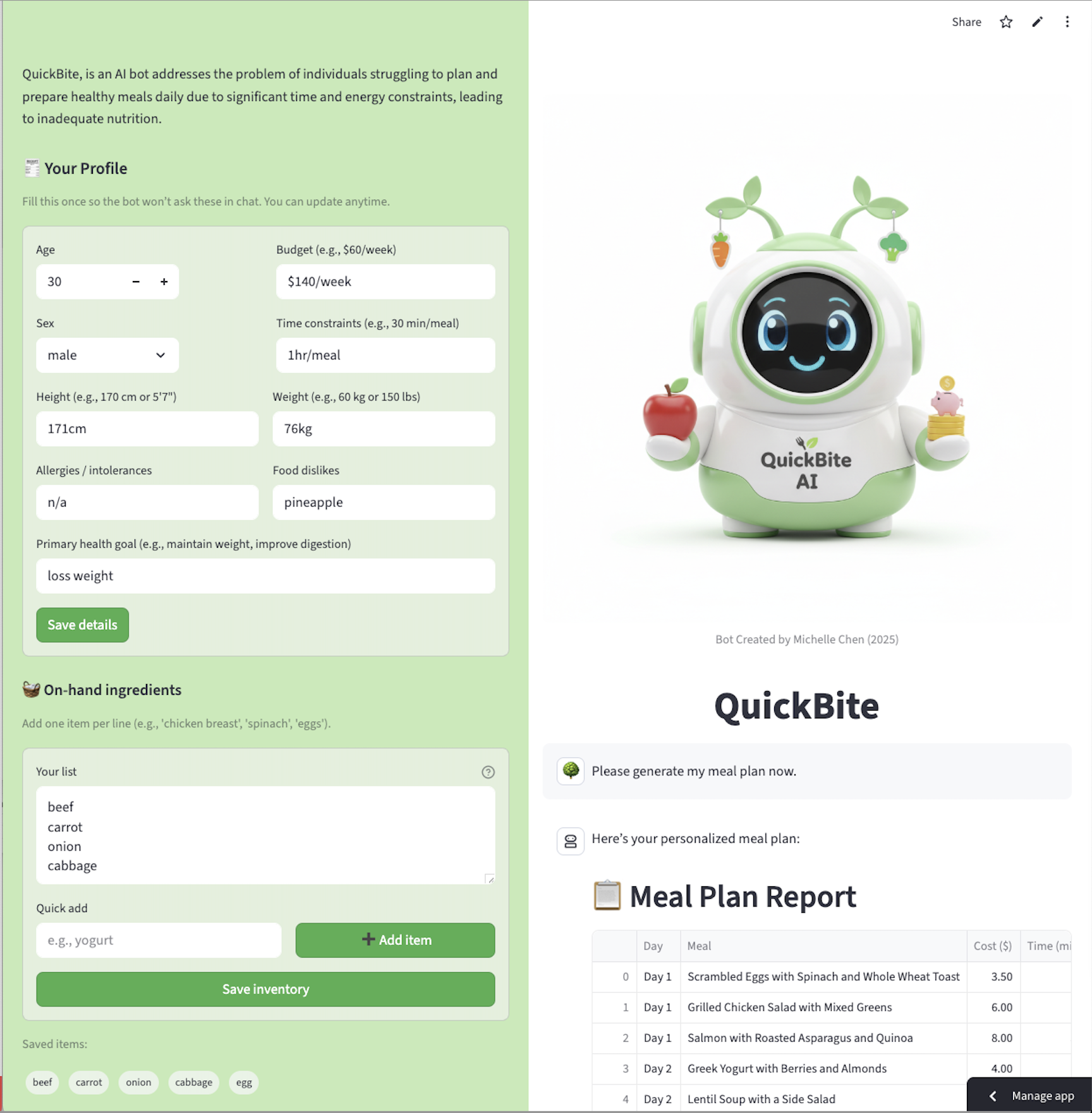
QuickBite Build 1 interface
Build 1 — initial Streamlit interface and conversational flow before prompt constraints.

Conversation length — complete a meal plan

Build 1 bot
14 turns
Build 2 tabs
9 turns
Build 3 goal
5 turns
3 Prototype builds
8 Test sessions
2 Core user flows
Phase 02 — Build 2

Modular Layout & User Feedback

Chat and dashboard side-by-side — macros update live as you talk.

Action: As features multiplied, managing a single monolithic codebase became unsustainable. I modularized the application, breaking functions into distinct Python files and surfacing them as clear tabs on the main screen.

User Feedback & Pivot: Testing feedback entirely reshaped the product's UX architecture:

User Feedback

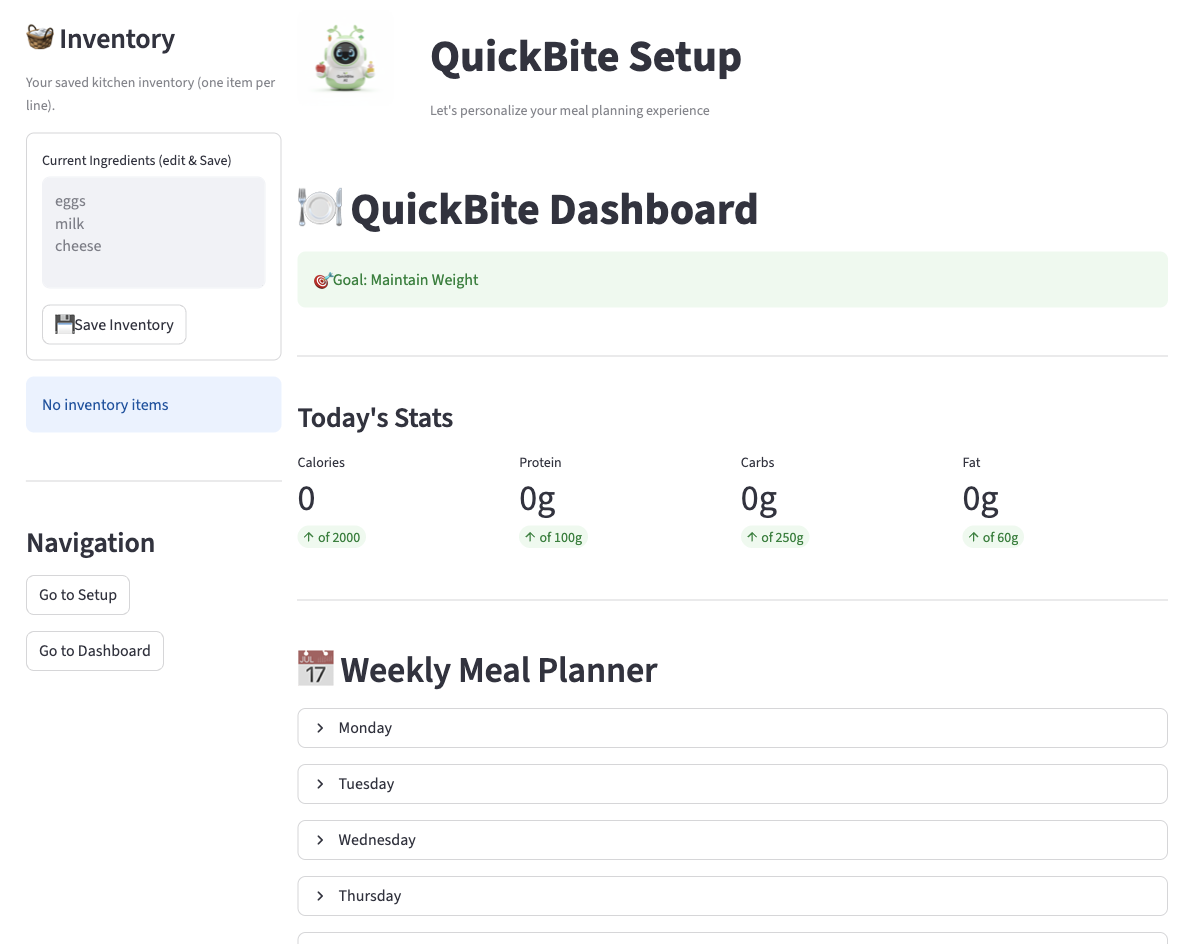
Users pushed for two major shifts. First, the health dashboard needed to reflect what people actually ate—not only what the bot suggested—so I changed the logic to capture real consumption instead of assumptions. Second, separating the chat stream from data visualization created too much cognitive load; I re-architected the layout to place chat and dashboard side-by-side so macros updated live alongside the conversation.

QuickBite Build 2 modular layout
Build 2 — modular tab navigation as features expanded beyond a single screen.
Phase 03 — Build 3

Synchronized Features & State Validation

One JSON state layer — inventory, recipes, and stats stay in sync.

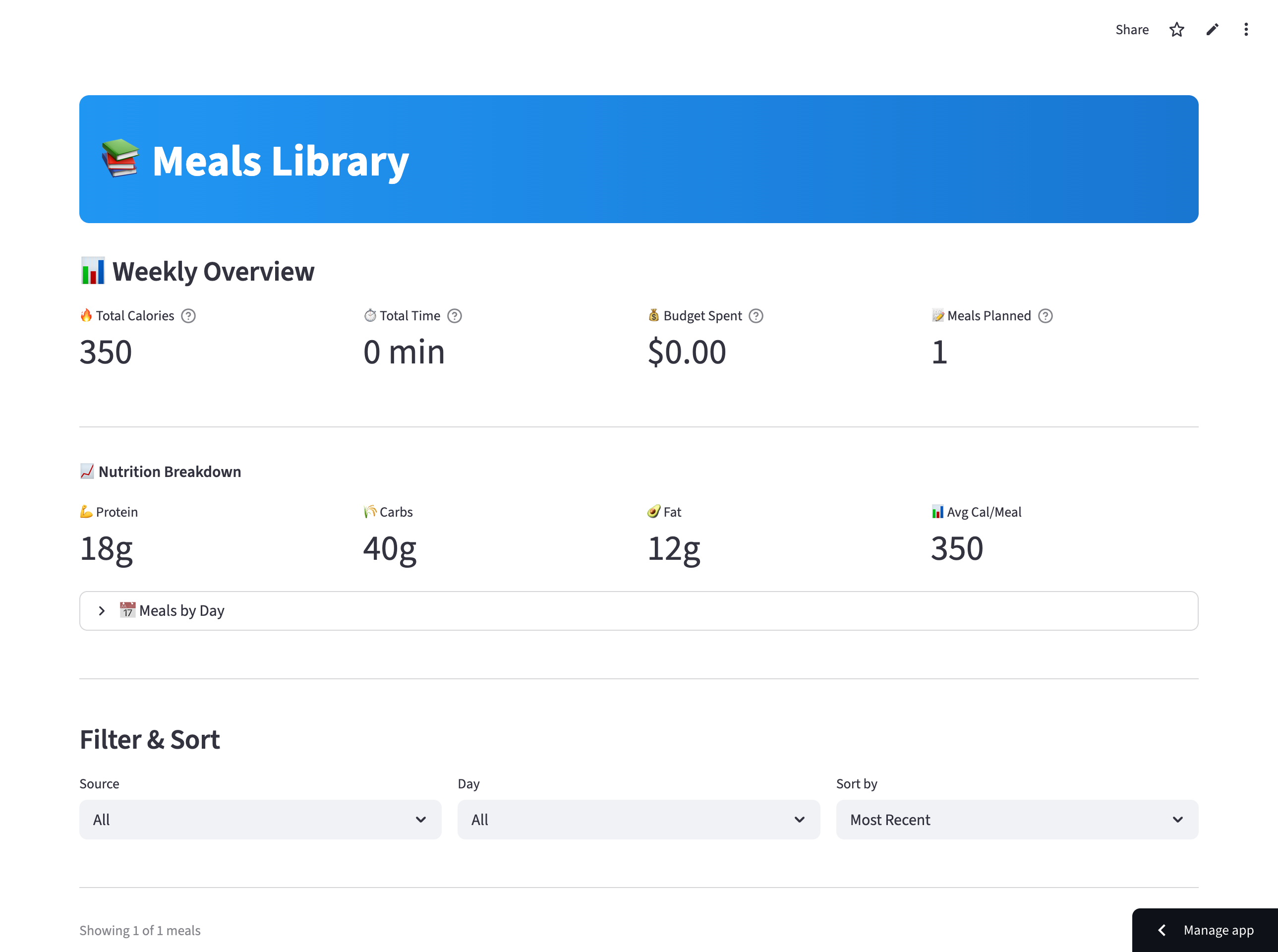
Action: In this phase, I built out the full suite of supporting user features: an updated Inventory list, an automated Shopping List, a comprehensive Meals Library, and a Recipe Importer option.

Testing & Bug Fixes: Internal testing exposed a broken data loop—items updated inside the inventory tab failed to reflect accurately within the generated AI recipes, and the macro-statistics overview lagged.

Resolution

I refactored the internal state logic (data/state.json), using Anthropic Claude as the core reasoning engine to read and generate structured JSON outputs. This securely locked all features together so that changes in inventory parameters immediately updated recipe outputs and statistical calculations simultaneously.

Data Continuity

Incorporating feedback regarding temporary storage, I added explicit workflows enabling the browser session to clear or save tracked meal records seamlessly.

QuickBite side-by-side chat and dashboard
Build 3 — side-by-side workspace with chat stream and live macro dashboard.
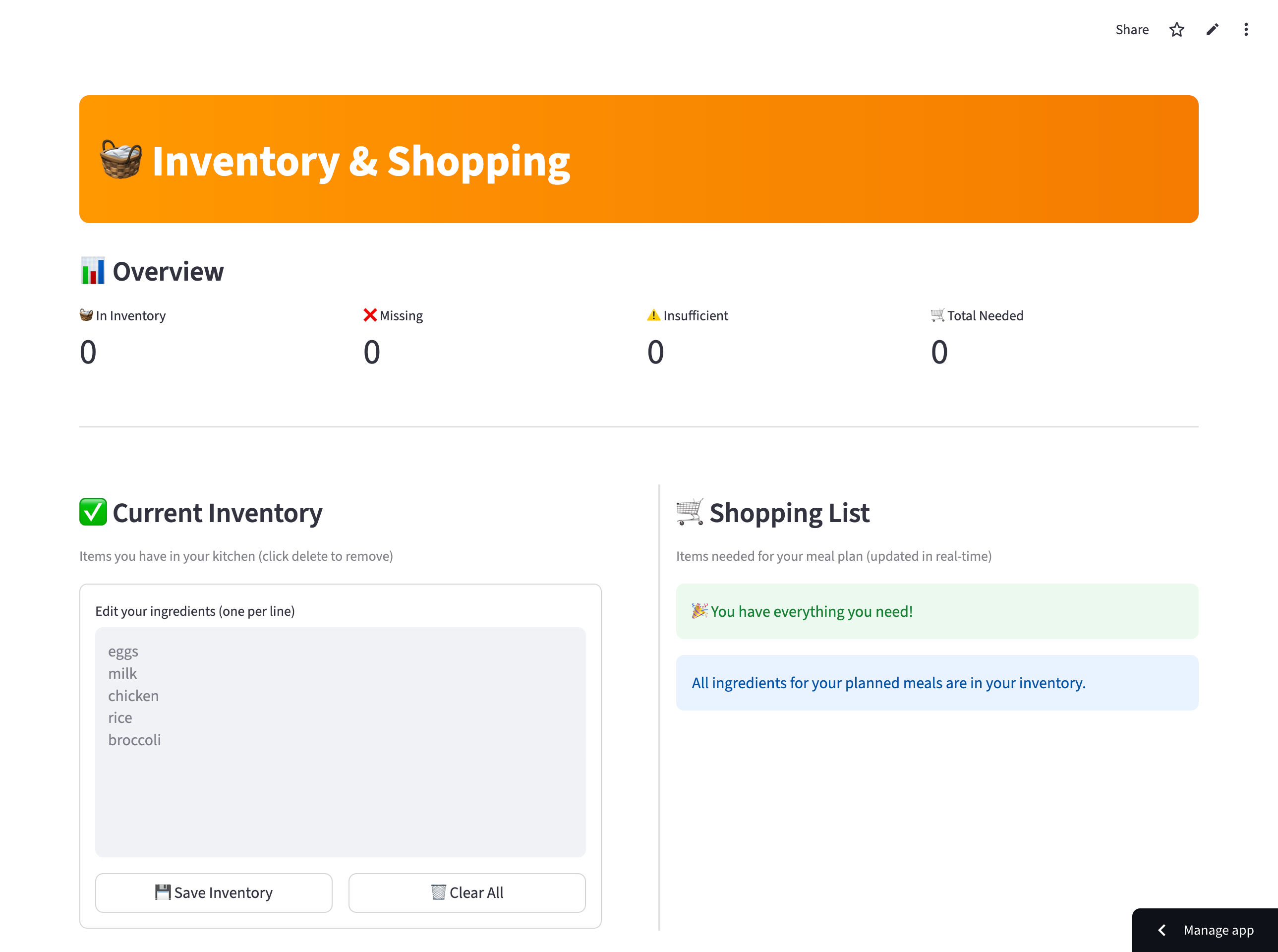
QuickBite inventory and shopping list
Inventory and Shopping List — missing ingredients pushed automatically from generated recipes.
QuickBite meals library and recipe importer
Meals Library and Recipe Importer — supporting features added in Build 3.
04 — Key Solutions & Final Design

A scannable workspace for mobile and desktop

The final design of QuickBite addresses user constraints through a clear, scannable layout designed with mobile responsiveness and desktop visibility in mind:

QuickBite side-by-side workspace
Side-by-side workspace — message the assistant while inventory updates live on screen.

Side-by-Side Workspace

Users can actively message the meal assistant on one half of the screen while seeing their primary kitchen inventory update in real-time on the other.


Smart Inventory & Grocery Mapping

The assistant checks current items in your fridge, identifies exactly what is missing for a generated meal, and automatically pushes those specific missing ingredients to the Shopping List tab.

QuickBite inventory and grocery mapping
Smart inventory and grocery mapping — missing items flow to the Shopping List tab.

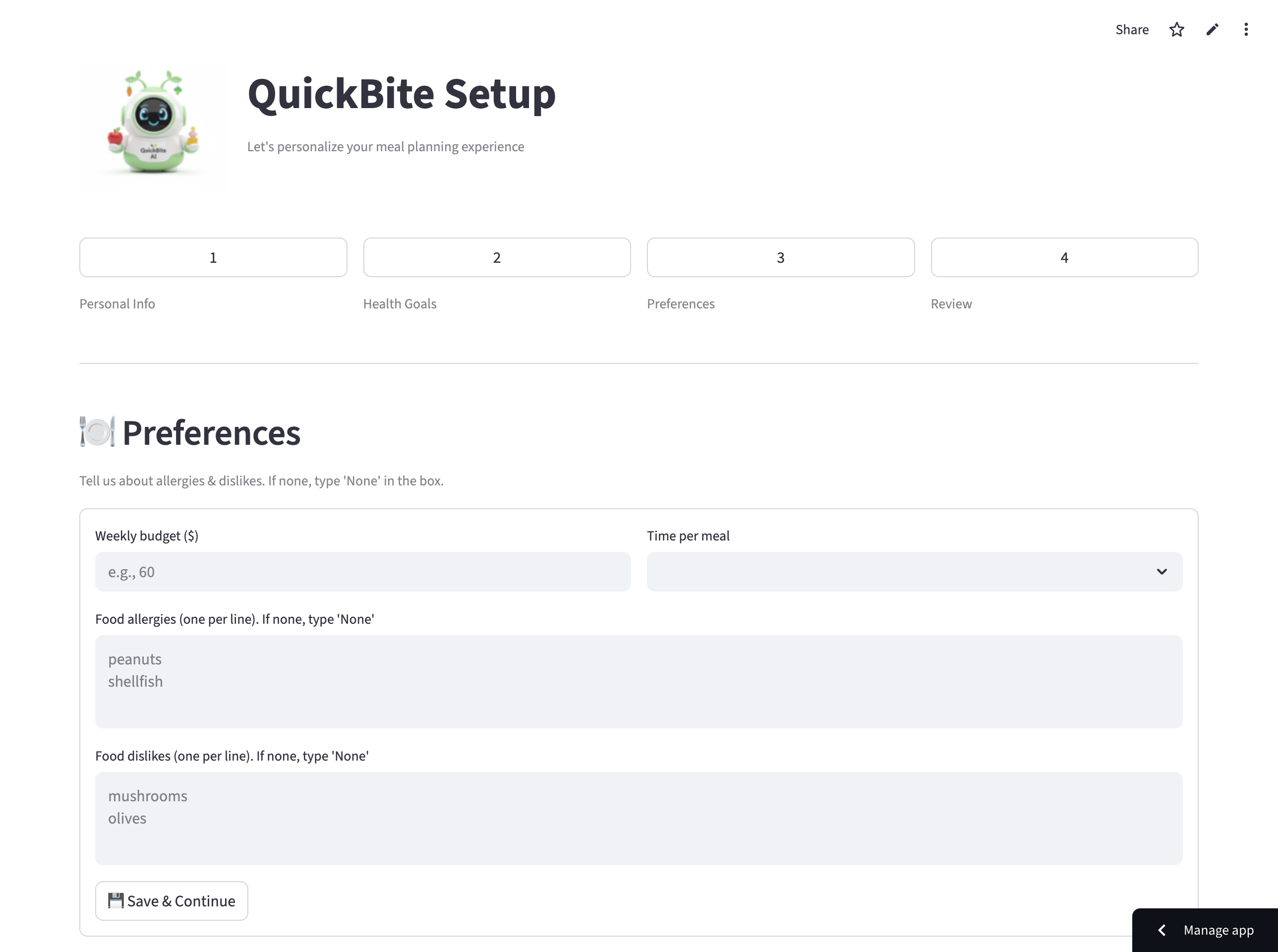
QuickBite goal calibration and progress meters
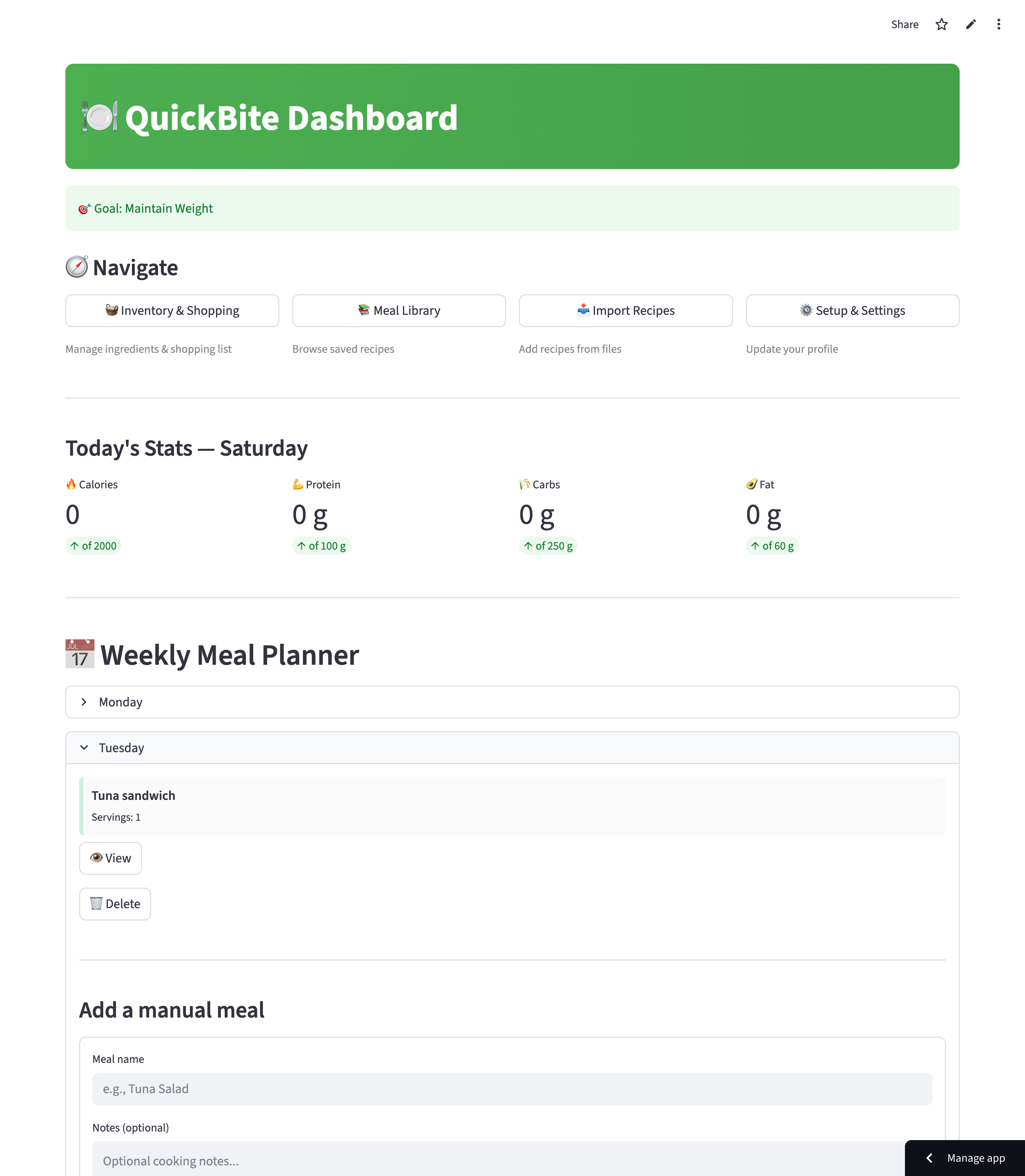
Goal calibration — users set a primary goal and track macros through visual progress meters.

Dynamic Goal Calibration

Users input their primary goal (e.g., “Staying Fit”). QuickBite configures calorie limitations and logs actual historical breakdowns—displaying calories, proteins, carbohydrates, and fats through visual progress meters.

05 — Summary & Impact

From conceptual bot to functional data-driven product

QuickBite successfully evolved from a conceptual bot into a functional data-driven product.

Problems Solved

Eliminated decision fatigue by providing recipes tailored to the user's specific fridge contents.

Goals Achieved

Created a multi-modal tool where inventory, shopping, and nutrition work in sync rather than as separate tasks.

Project Vision

This project demonstrates how AI can handle the “hidden work” of health management, allowing users to achieve their fitness goals with minimal effort.

06 — Reflection

What building with AI changed about my confidence

Before starting this project, my relationship with AI development was grounded in hesitation. I assumed that creating tailored AI features required an exhaustive coding or machine learning background, and I limited my usage of tools to standard prompting.

Stepping into the developer role completely changed my confidence, which grew from a 4/10 to a 7/10 over the course of the project. I learned that AI does not replace human design or creativity—it acts as an architecture that extends it. By leveraging Claude for structured backend UI data and Gemini for prompt validation, I successfully functioned as a “full team of one,” designing the user experience while debugging the engineering framework. This project proved that careful iteration and adapting to critique are what truly transform a conceptual prototype into a working product.